

'/%3E%3C/svg%3E)
'/%3E%3Cpath%20fill='%23b2b2b2'%20d='M241%20382q0%2016%2017%2026%2017%2011%2042%2011t42-11q16-11%2017-26V269H241'/%3E%3Cpath%20fill='%239f7e00'%20d='M241%20379q0%2014%208%2023%209%209%2021%209%2014%200%2021-9%209-9%209-23V269h-59'/%3E%3Cpath%20d='M241%20339v-70h59v110q0%2014-9%2023l-6%205v-68h-15v72q-8%200-14-4v-68zm59%2040c0%2022%2015%2032%2029%2032%2021%200%2030-18%2030-32v-40h-59'/%3E%3Cpath%20fill='%239f7e00'%20d='M266%20277v5h2v12h-3v-5h2v-5h-9v5h2v5h-4v9h3v18h-5v10h34v-10h-5v-18h3v-9h-4v-5h2v-5h-9v5h2v5h-3v-12h2v-5zm42%20101q0%2010%206%2017%206%206%2015%207%2010-1%2016-7%206-7%206-17v-29h-43'/%3E%3Ccircle%20fill='%230044ad'%20cx='329.5'%20cy='372'%20r='6'/%3E%3Cellipse%20fill='%230044ad'%20cx='300'%20cy='340'%20rx='16'%20ry='21'/%3E%3C/svg%3E)


'/%3E%3C/g%3E%3Cuse%20href='%23c'%20transform='matrix(-1%200%200%201%20720%200)'/%3E%3C/svg%3E)

What Is an MCU? Multipoint Control Unit Explained
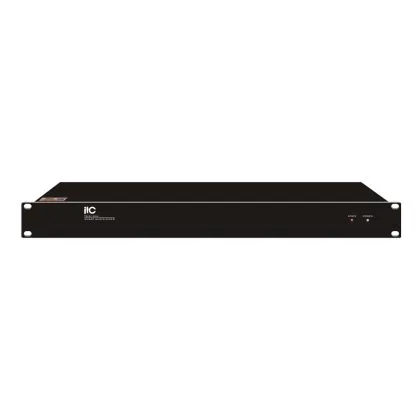
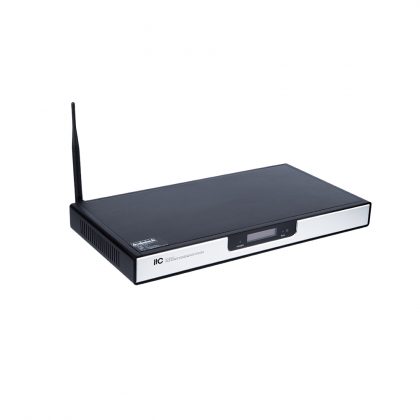
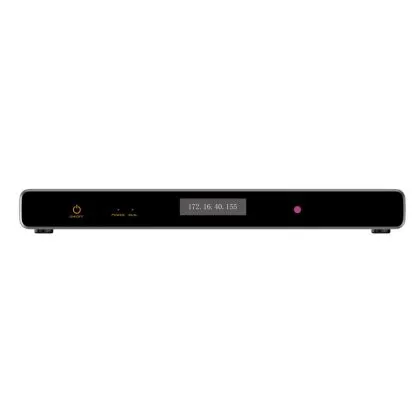
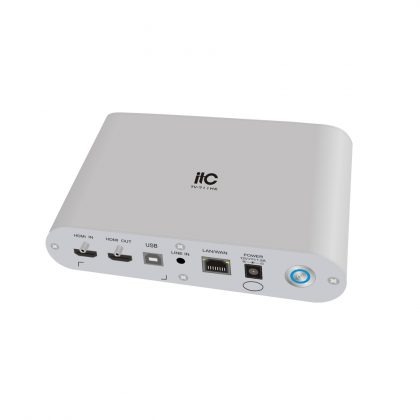
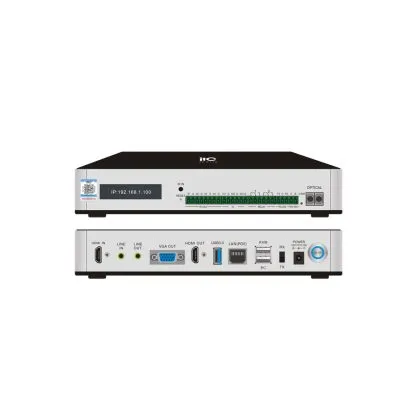
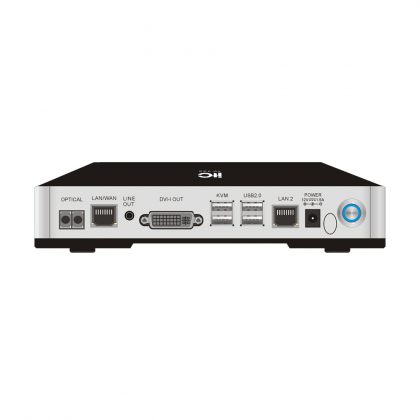
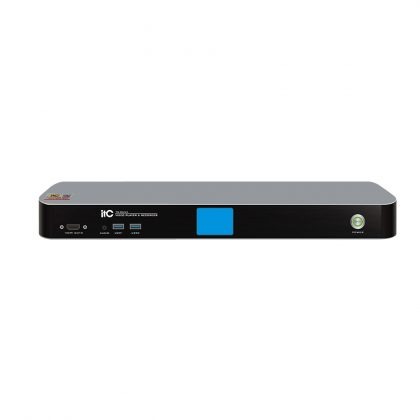
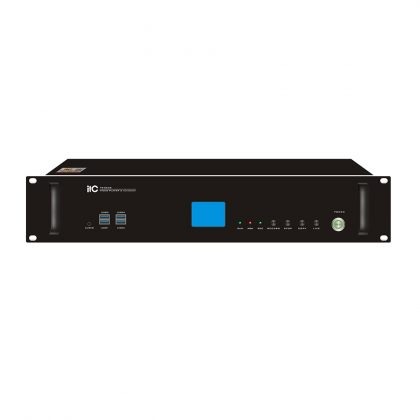
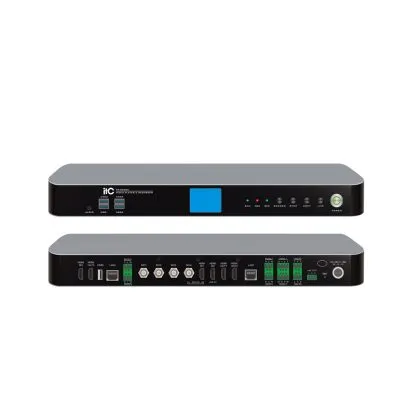
A Multipoint Control Unit (MCU) is the device that connects three or more video conferencing endpoints into a single meeting. It receives audio and video streams from every participant, processes and mixes them, then sends one unified stream back to each endpoint. Without an MCU, video conferencing is limited to two locations at a time.
If you have ever joined a video call with five, ten, or fifty participants in different cities, an MCU made that possible. This guide explains what an MCU does, how it works, how it differs from a codec, and how to choose one for your organization.

What Is an MCU in Video Conferencing?
An MCU — short for Multipoint Control Unit — is the "traffic hub" of multi-party video conferencing. Two locations can talk to each other directly over a point-to-point connection. The moment a third location joins, something has to receive all those separate streams, combine them, and distribute the result. That something is the MCU.
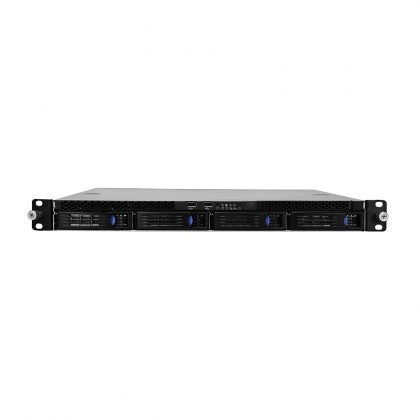
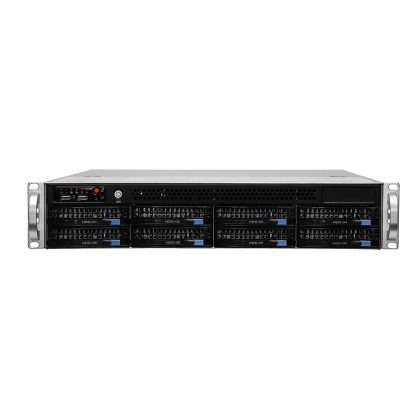
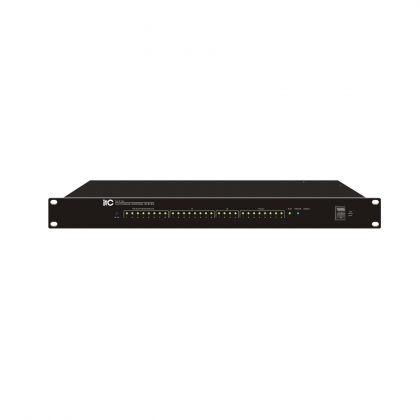
The term comes from traditional video conferencing infrastructure, where the MCU was a dedicated hardware appliance mounted in a server room. Today the same function can be delivered by hardware, by virtualized software on your own servers, or by a cloud meeting service.
How Does an MCU Work?
A modern video conferencing MCU works in four continuous steps:
1. Registration
Every conference room terminal, desktop client, or browser endpoint registers with the MCU before the meeting starts. Registration tells the MCU which endpoints are expected, what protocols they use, and what capabilities they support.
2. Stream Ingestion
During the meeting, the MCU receives separate audio and video streams from all connected endpoints in real time. A 20-participant meeting means 20 incoming video streams and 20 incoming audio streams.
3. Processing and Mixing
This is the core of the MCU's work. It decodes incoming streams, mixes audio, and composes video layouts. Two presentation modes dominate:
Continuous presence: every participant appears in a grid layout, so everyone can see everyone else at the same time.
Active speaker switching: the layout automatically highlights whoever is speaking, which suits larger meetings and lecture-style sessions.
4. Distribution
Each endpoint receives a single optimized stream, adapted to its own bandwidth and display capability. Instead of sending 20 streams to every participant (which would consume enormous bandwidth), the MCU sends exactly one stream per endpoint.
Core Functions of an MCU
Beyond connecting endpoints, a multipoint control unit performs several functions that determine meeting quality:
Transcoding
When participants use endpoints with different video and audio parameters — resolution, frame rate, or codec — the MCU translates and normalizes the media streams so that every endpoint can decode what it receives. This is what allows an older room system and a brand-new terminal to join the same meeting.
Video Composition
Video streams consume large amounts of bandwidth on the client side. The MCU combines multiple incoming video streams into a single composed stream, so each client renders one video feed instead of several.
Audio Mixing
The MCU equalizes and mixes all incoming audio streams. It can also process them to filter background noise and reduce echo — the difference between a meeting where people speak naturally and one where everyone talks over each other.
Conference Setup and Management
A complex conference needs more than media connections. An MCU can provide dial-in numbers across countries, PSTN gateway access, recording services, participant authentication, and call scheduling.
Call Signaling
Clients often use different signaling protocols. The MCU supports multiple client types and handles call setup and teardown in a way that every connected endpoint can understand.
MCU vs. Codec vs. Cloud Service: What Is the Difference?
These three terms confuse many buyers. The difference is straightforward:
MCU vs. Codec
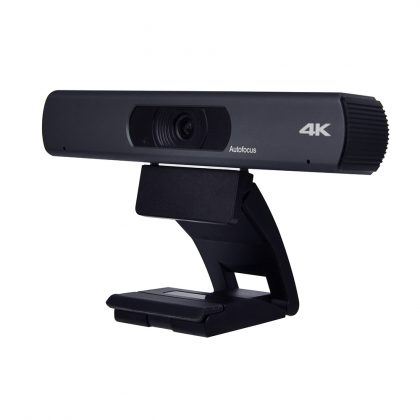
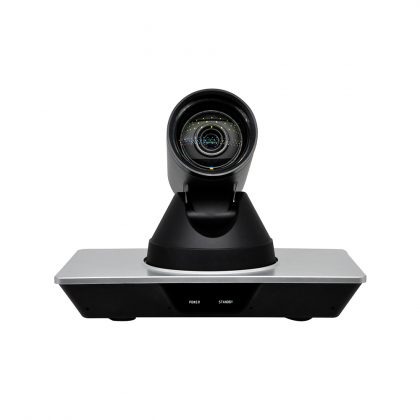
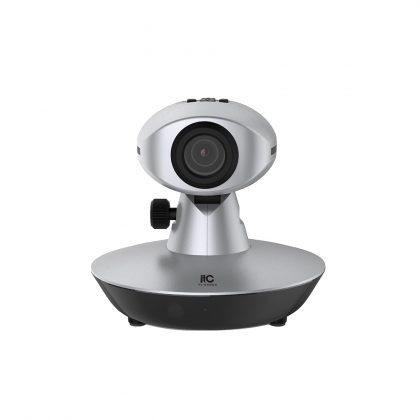
A codec is the endpoint device in your meeting room. It captures, compresses, and transmits your room's audio and video, and decodes incoming streams for your displays and speakers.
An MCU is the network-side device that connects multiple codecs together. Think of the codec as the telephone in each room, and the MCU as the exchange connecting all the rooms.
Rule of thumb: two locations need only codecs; three or more locations need an MCU or an equivalent cloud service.
MCU vs. Cloud Meeting Service
Compare them on four points:
- Data location: a dedicated MCU keeps all media inside your own network; a cloud service processes media on the vendor's infrastructure.
- Quality control: a dedicated MCU puts call quality entirely under your IT team; cloud quality depends on public internet conditions.
- Cost model: a dedicated MCU is a one-time infrastructure investment; cloud services charge per user or per minute.
- Best fit: dedicated MCUs suit security-sensitive, high-volume internal meetings; cloud services suit flexible external collaboration.
- Many organizations now run a hybrid model: a dedicated MCU for internal high-security meetings, and cloud services for external collaboration.
Who Needs a Dedicated MCU?
- Government and council chambers: delegates across districts join one secure multipoint session on a private network, with chairman control and voting integrated through a paperless conference system.
- Enterprise multi-branch operations: headquarters connects regional offices and factory sites for weekly management meetings, avoiding travel costs and scheduling friction.
- Education and training: universities deliver one lecture to dozens of remote classrooms simultaneously, with the MCU managing every incoming classroom stream.
- Healthcare: hospitals connect specialists across locations for remote consultations that must remain on a private network.
Key Features to Evaluate When Buying an MCU
- Capacity: how many concurrent participants and simultaneous meeting rooms the unit supports. Size for two to three years of growth, not just today's requirement.
- Resolution and layout support: look for 1080p and 4K support, flexible continuous-presence layouts, and reliable active-speaker switching.
- Protocol compatibility: support for standard protocols such as SIP and H.323 lets the MCU interoperate with terminals from different manufacturers, avoiding vendor lock-in.
- Recording and streaming: built-in live streaming and recording extends meetings to people who cannot attend live.
- Redundancy: for mission-critical rooms, check for dual power supplies and hot-backup options.
Frequently Asked Questions
What does MCU stand for? Multipoint Control Unit — a device that connects three or more video conferencing endpoints into a single meeting.
Do I need an MCU for a video conference? Only when three or more locations join. Two-location calls run point-to-point between codecs or software clients.
What is the difference between an MCU and a codec? A codec is the endpoint device in your meeting room; an MCU is the central device that connects multiple codecs into one meeting.
Can an MCU work with Zoom or Microsoft Teams? Yes. Modern MCUs support gateway and cloud interconnection, allowing on-premises room systems to join cloud meetings. Ask your vendor about platform support before purchase.
How many participants can one MCU handle? Entry-level units manage dozens of endpoints, while carrier-class platforms support thousands. Match capacity to your forecast of concurrent meetings rather than total employees.
Is an MCU still relevant with cloud meetings? Yes, particularly for organizations that require meetings to stay inside their own network — governments, financial institutions, healthcare providers, and legal teams.
Conclusion
The MCU remains the backbone of professional, secure, multi-point video conferencing. For organizations that value data sovereignty, call stability, and long-term cost control, a self-hosted MCU is not outdated technology — it is strategic infrastructure.
itc has manufactured conference and video conferencing equipment for more than 30 years, with deployments in over 90 countries. If you are planning a video conferencing system for multiple rooms or locations, contact us for a free solution design and quotation.
Relevant News
-
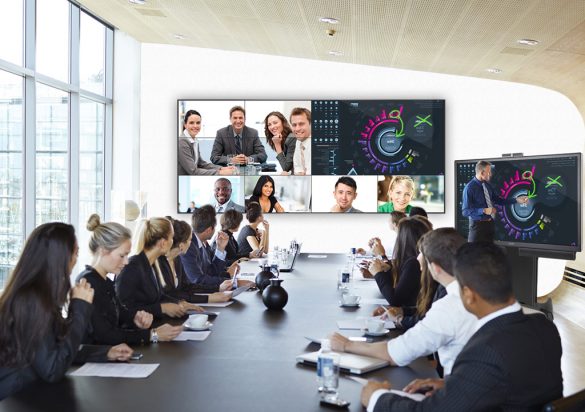
What is a video conference terminal?
Mar 21,2022Video conferencing is two-way interactive communication delivered using telephone or Internet technologies that allows people at different location to come together for a meeting. The video conference can be as simple as a conversation between two people in private offices (point-to-point) or involve several sites (multi-point) with more than one person in large rooms at different sites. What is a video conference terminal? A video conference terminal is an organic combination of cameras, display devices, microphones, speakers, transmission networks, and…
-
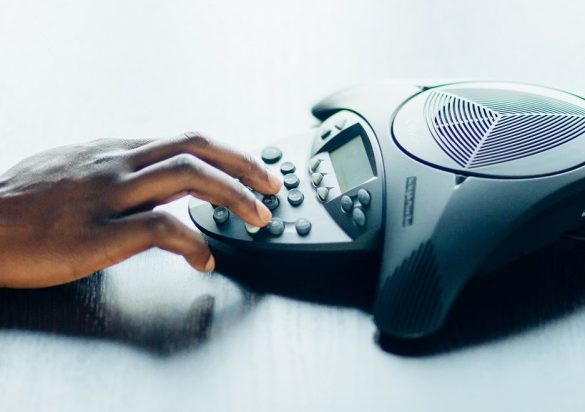
An ultimate guidance of Conference Phones
Apr 02,2022Conference phones are used to initiate and conduct conference calls, which enable multiple callers to listen and/or talk on the same call. Conference calls can support anywhere from 3 to 10,000 simultaneous users, and most include a variety of tools and features to help manage the call. How does it work? In a conference call, the host participants typically run the call with a conference phone, while remote participants dial in to a number that connects them to a…
-
itc Interactive Intelligent Touch Screen for Education
Sep 15,2022The itc Education Interactive Intelligent Touch Screen series displays integrate function modules such as presentation, writing, interaction and sharing to create a paperless teaching scene, realizing an efficient and harmonious teaching environment. This avant-garde design also extends to the classroom, which materializes an efficient and easy-to-use audiovisual equipment by the teacher. First of all, we can see that the core part of our entire system is mainly intelligent interactive touch screens. Standard products include touch pen, pointer pen, wall-mounted bracket,…