









How to Build a Paperless Conference System for Government Meeting Rooms
A paperless conference system replaces printed agendas, briefing books and voting slips with networked terminals inside the meeting room. In government settings, the motivation is rarely the paper itself. It is control: who can see which document, at what point in the meeting, and what record remains afterwards. This guide covers what the system is made of, the requirements that actually matter for public-sector rooms, a deployment checklist from site survey to go-live, and the cost factors that shape a budget. It is written for the people who specify, procure and run these rooms.
What Is a Paperless Conference System?
A paperless conference system is an on-premise meeting platform in which agenda items, documents, attendance, speaking requests, voting and minutes are delivered to delegate terminals over a local network instead of printed paper.
The operating sequence in a typical government room looks like this:
- The secretariat uploads the agenda and supporting documents to the meeting server.
- Access rights are assigned per attendee and per document, often by committee role or clearance level.
- Delegates sign in at their terminals, open the materials on screen, and annotate them privately.
- The chair controls the speaking queue, opens and closes votes, and sees results immediately.
- The system archives the agenda, the circulated versions, the attendance record, the vote results and the minutes as a single package.
That last step is what separates a paperless meeting system from a set of tablets on a table. Tablets display documents. A conference system produces a defensible record.
Why Government Meeting Rooms Move to Paperless
Document control
Once a document is printed, it cannot be recalled. In a meeting where the agenda shifts, a revised clause circulated at 9 a.m. will coexist with the outdated version printed the night before, and there is no reliable way to know who is reading which. Digital distribution with version control solves this: the current version is the only one available, and superseded versions are withdrawn and logged.
Confidentiality and traceability
Paper leaks quietly. A printed briefing book can be photographed, removed or left behind, and no one can reconstruct what happened. A paperless system can watermark every page with the viewing delegate's name, restrict documents to specific attendees, block export, and log every open, annotation and download with a timestamp. For classified or commercially sensitive sessions, this record is often the primary reason for the investment rather than a secondary benefit.
Meeting efficiency
Printing, collating, binding and distributing materials for a 60-seat committee consumes staff time on the day before every session. In a building with several meetings a week, that workload is continuous. Digital distribution removes it, and amendments reach every seat within seconds instead of requiring a reprint. Voting that once took several minutes of counting becomes an instant tally.
Long-term cost
Printing, courier delivery, secure shredding and physical archive storage are recurring costs that scale with meeting frequency. A paperless system front-loads capital expenditure and reduces the recurring line. The comparison only works when it is made over the full service life of the room, not on the purchase price alone.
Core Components of a Government Paperless Meeting Room
Delegate terminals and motorized monitor lifts
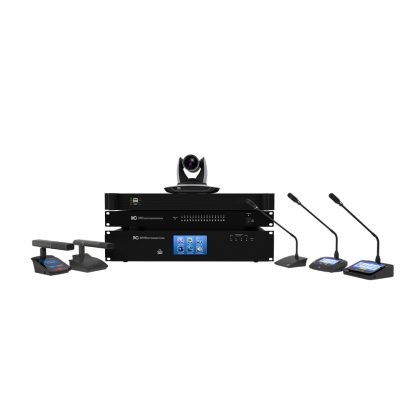
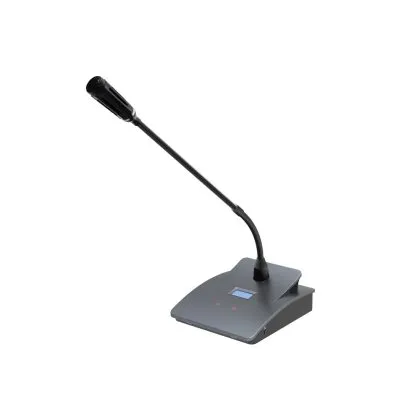
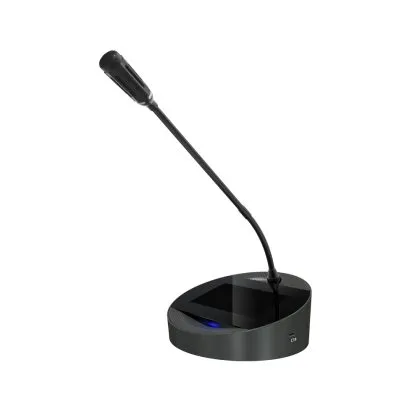
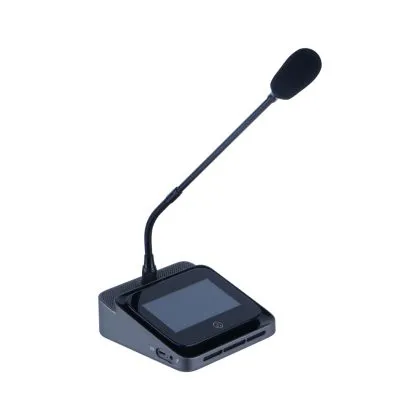
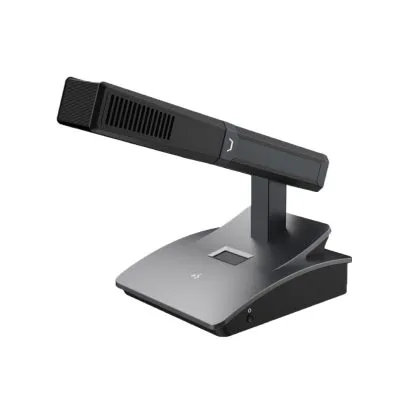
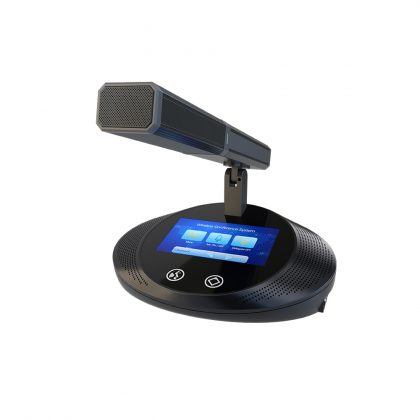
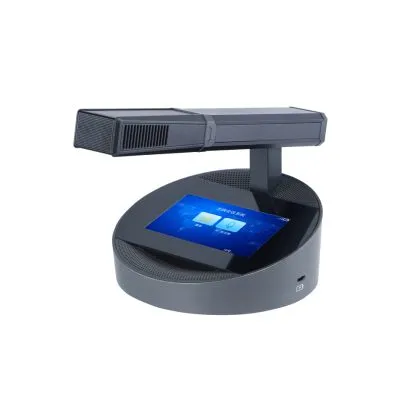
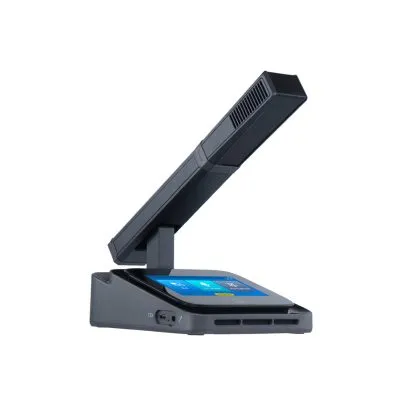
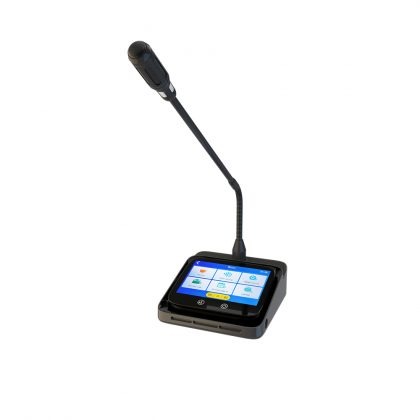
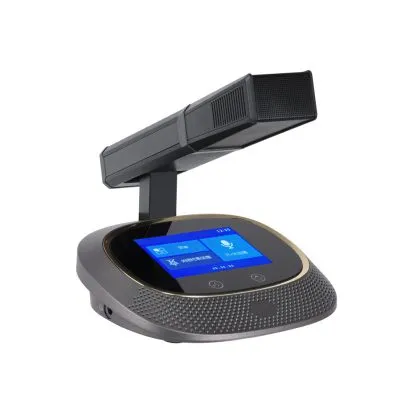
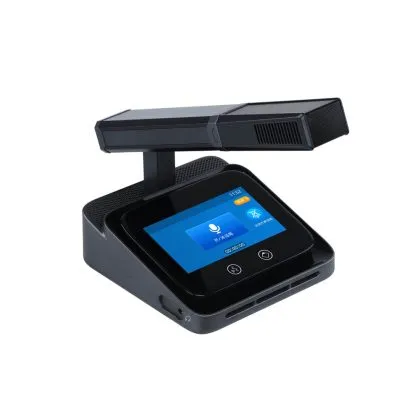
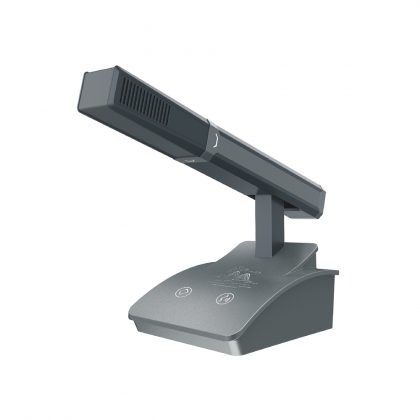
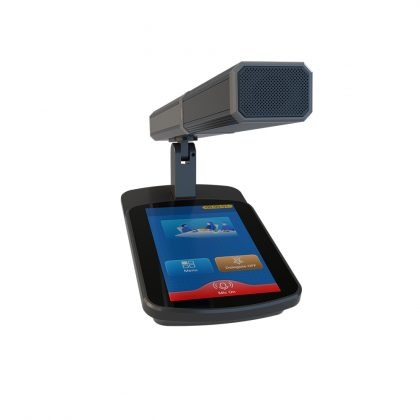
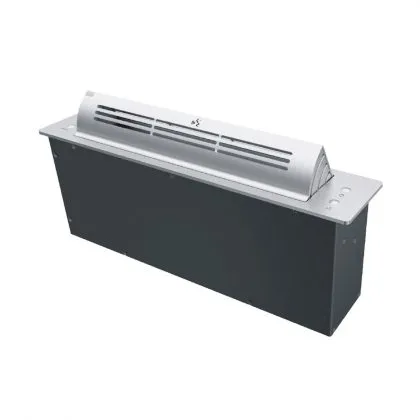
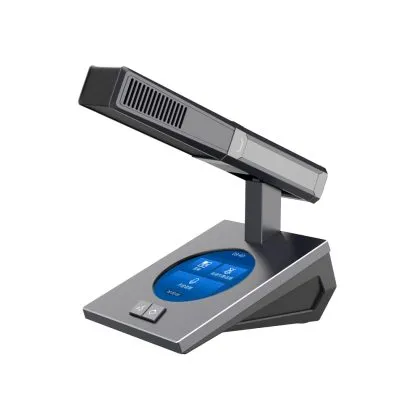
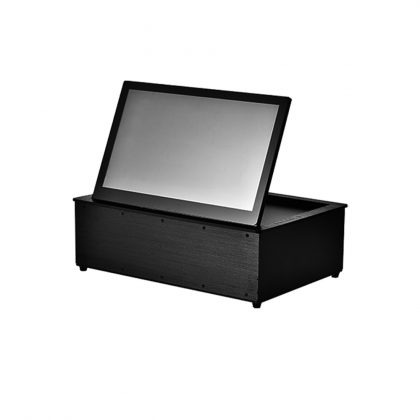
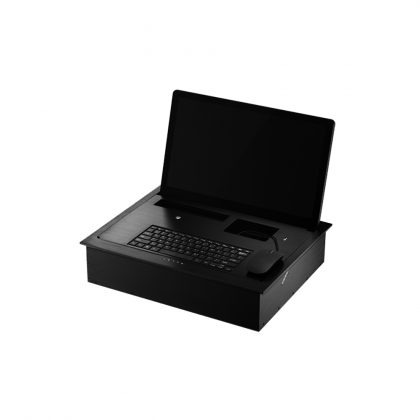
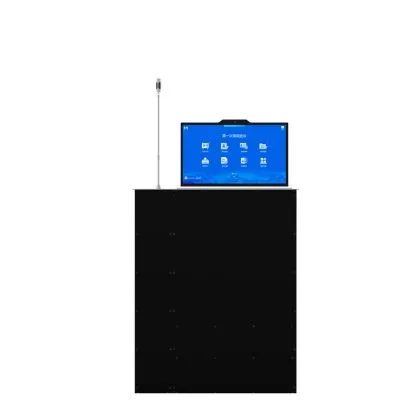
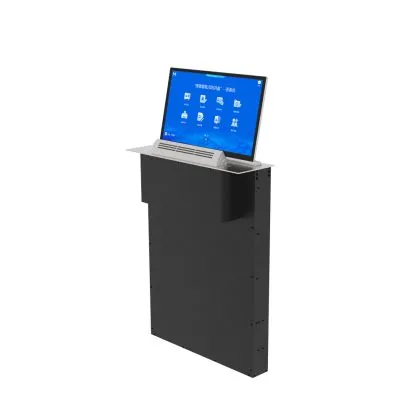
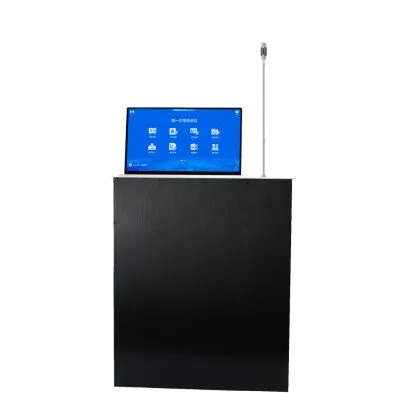
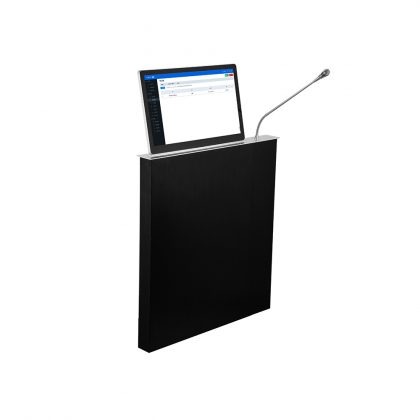
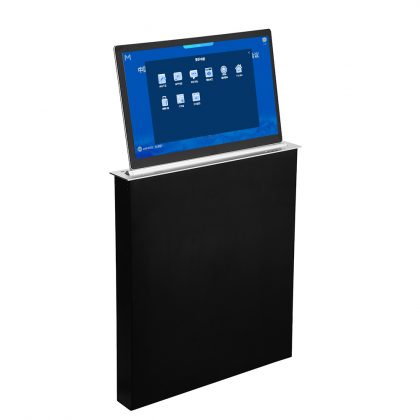
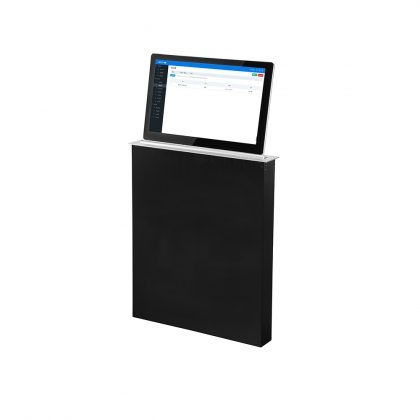
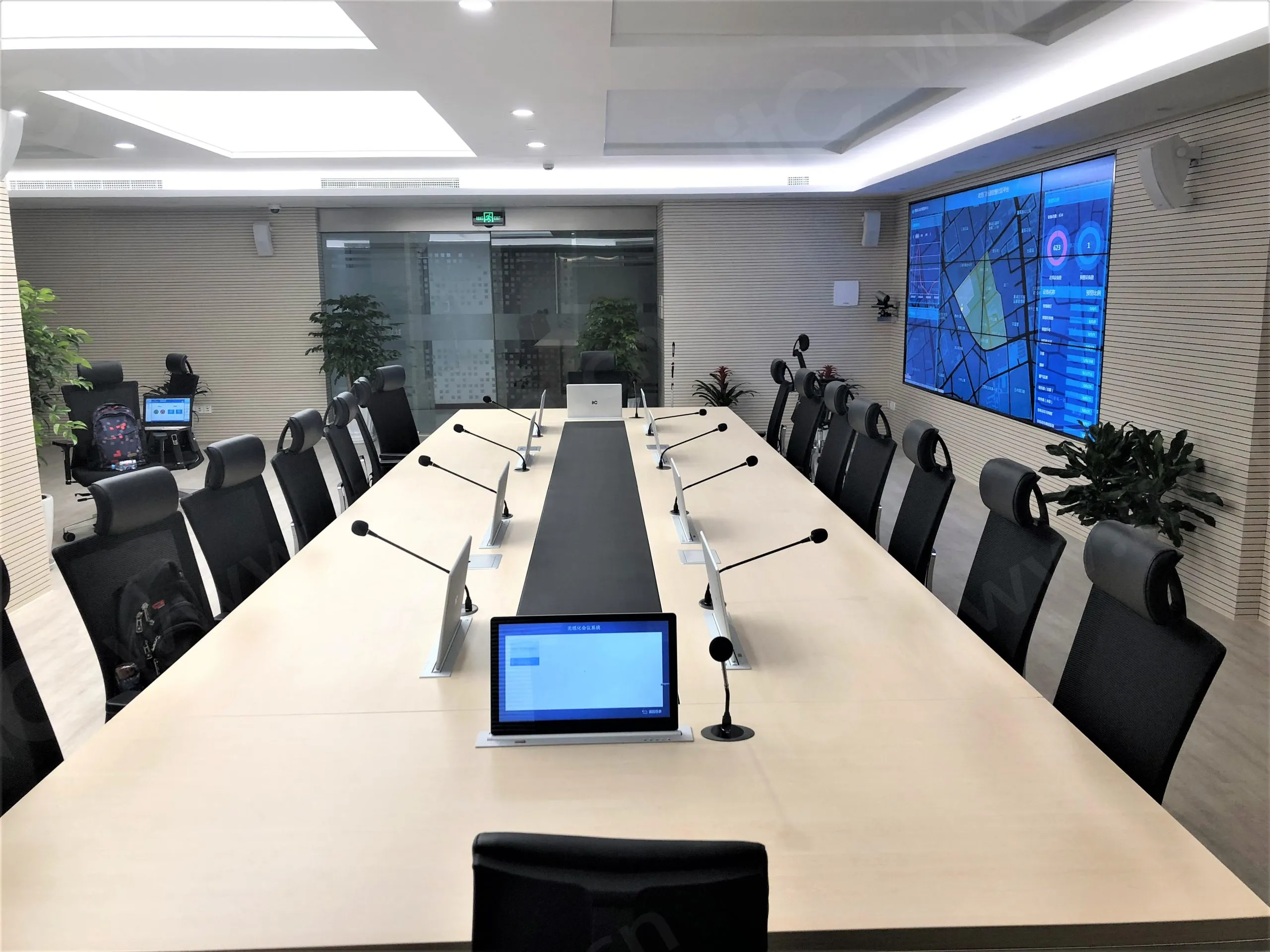
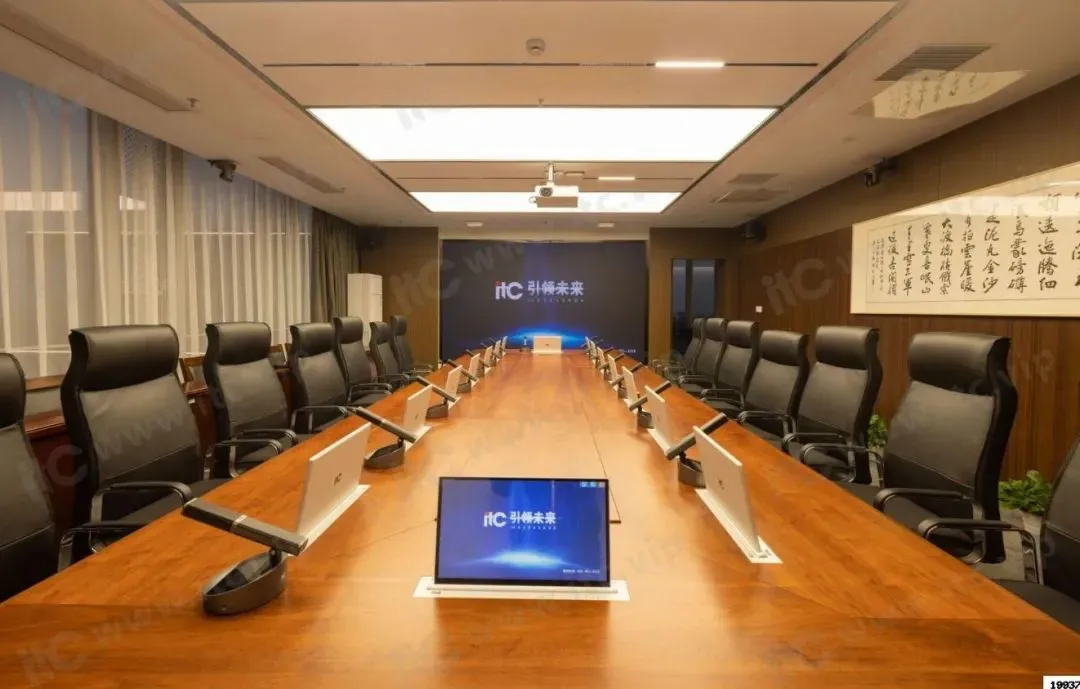
The delegate unit is the visible part of the system. A typical unit combines a display, a microphone, a speaker, voting keys and a card reader in one housing. Where the room must also serve non-conference functions such as receptions, press briefings or ceremonial use, motorized LCD monitor lifts allow screens to retract into the table when not in use, keeping sightlines clear and the furniture usable.
Two design choices matter here. First, whether the terminal is a fixed desktop unit or a lift-mounted screen with a separate microphone: the first is simpler to service, the second preserves table appearance. Second, screen size against viewing distance. A 15.6-inch screen is comfortable at 60 to 70 centimetres, while a longer table needs either larger screens or a different seating layout.
Meeting management server
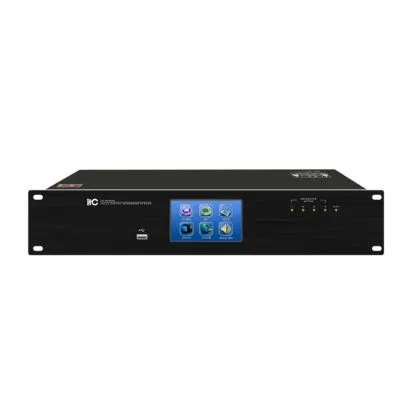
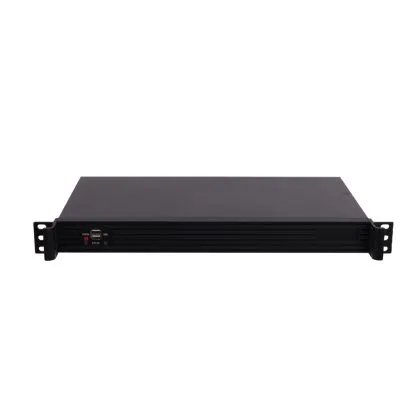
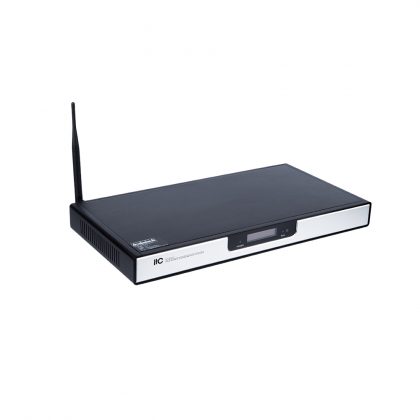
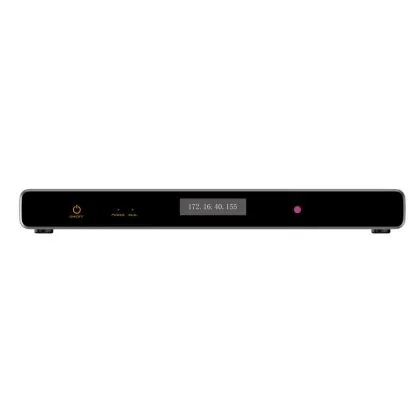
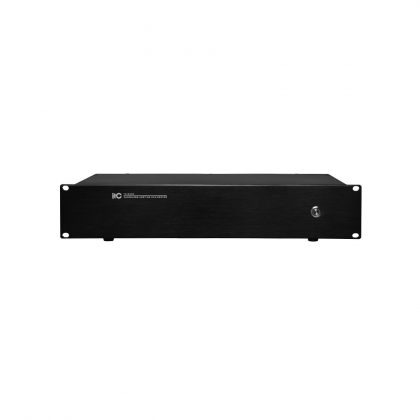
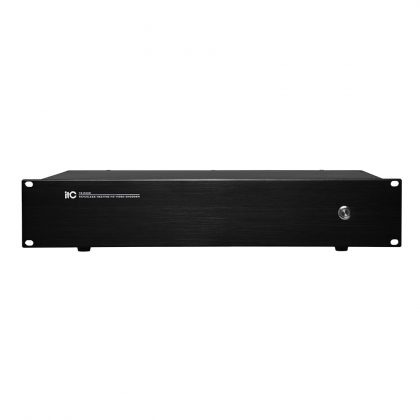
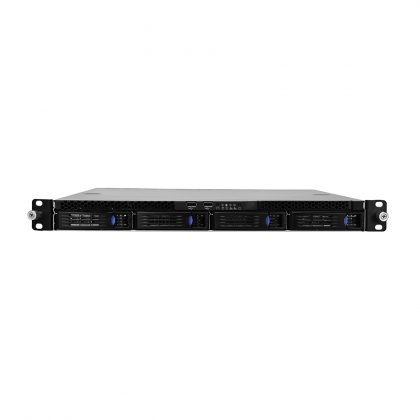
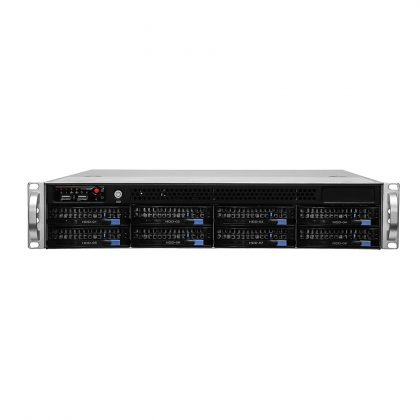
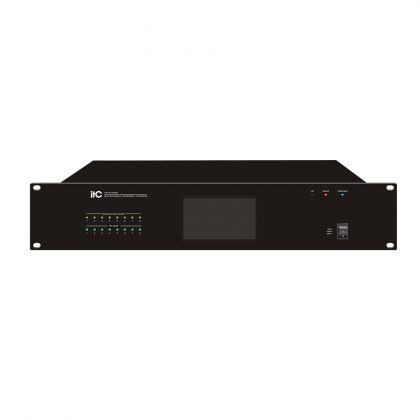
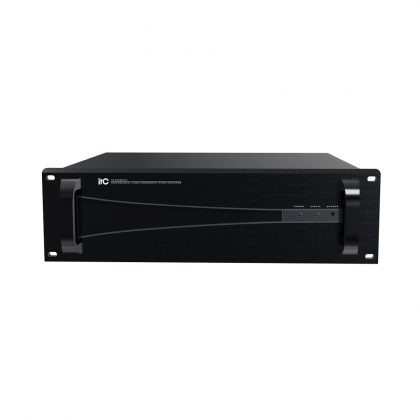
The server holds agendas, documents, user roles, voting configuration and archives. Sizing depends on four variables: the number of concurrent meeting rooms, seats per room, average document volume and retention period. A single-room installation with modest document sizes can run on a small server; a multi-room complex with recorded sessions needs considerably more storage and a redundant configuration.
Audio and discussion system
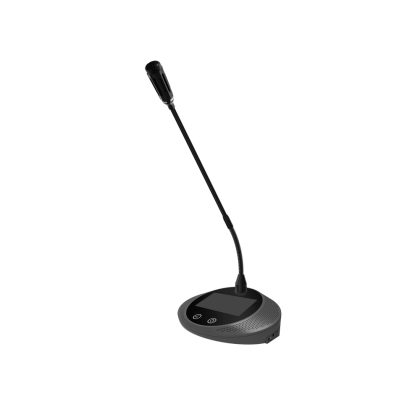
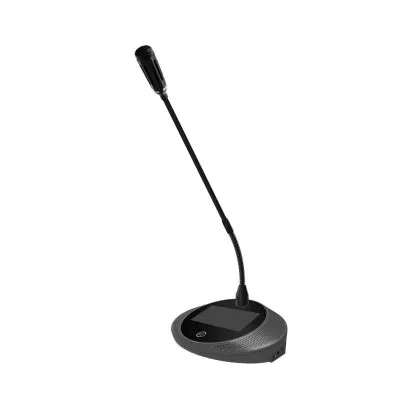
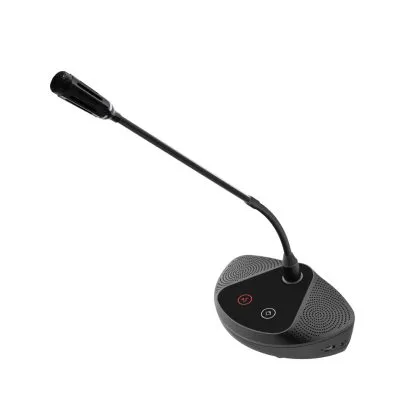
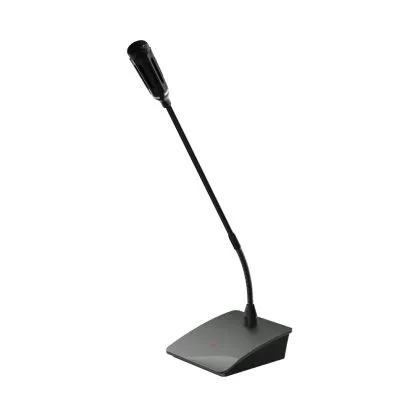
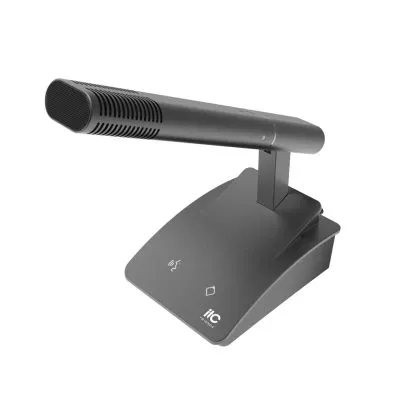
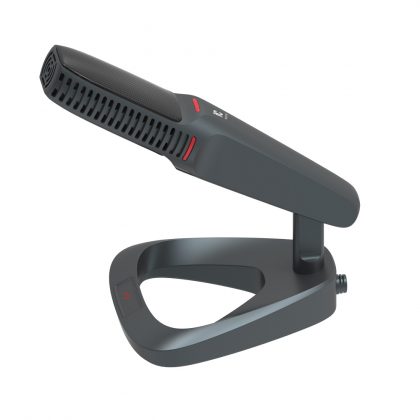
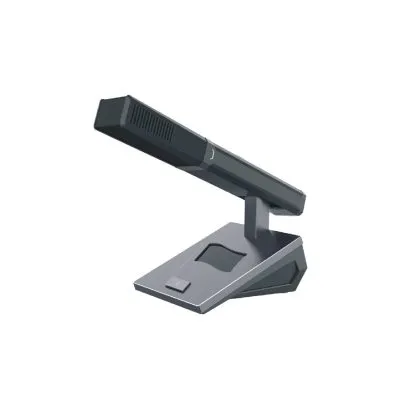
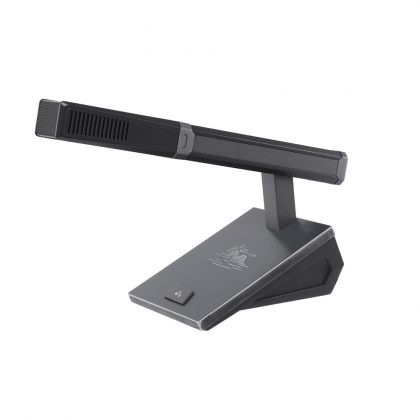
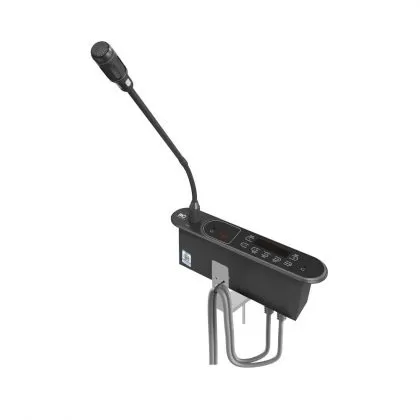
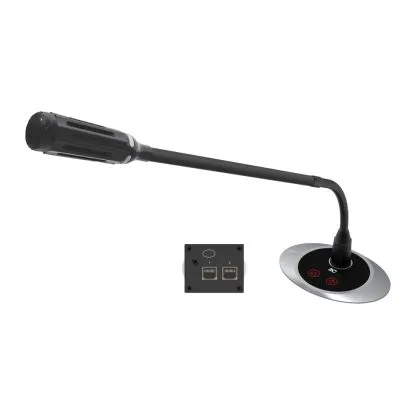
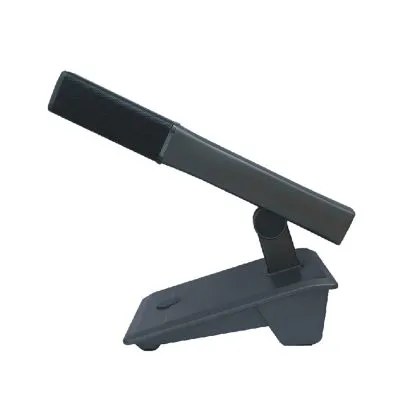
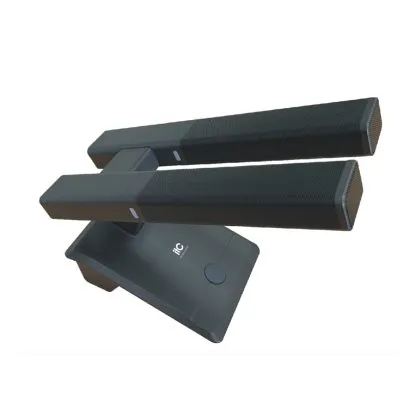
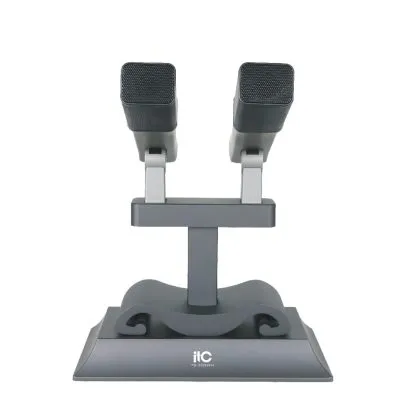
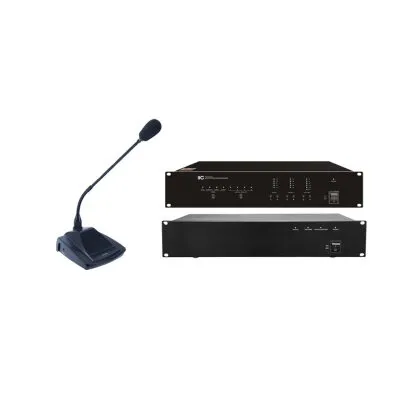
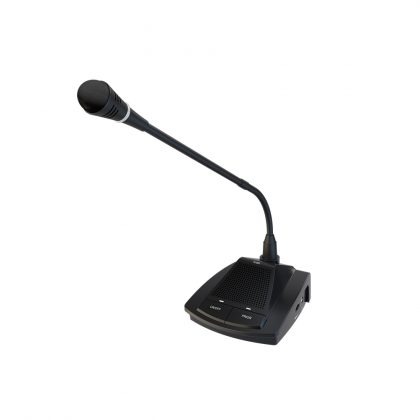
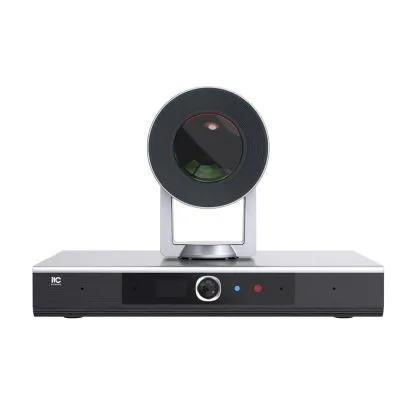
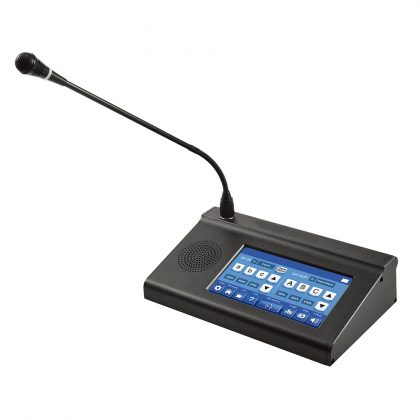
Paperless does not replace audio. A room where delegates can read documents but cannot hear each other is a failed installation. The discussion system, including gooseneck conference microphones, chairman priority, speaker limiting and camera tracking, must be designed alongside the terminals rather than after them. Acoustic treatment and loudspeaker coverage matter as much as the electronics.
Voting and attendance
Voting can run through dedicated keys on the terminal or through the touchscreen, depending on whether the vote needs to be anonymous, recorded, or both. Attendance is captured by card, fingerprint or facial recognition at the seat. The design question is not which technology is available but which record the organisation is required to keep.
Integration layer
Few government rooms stand alone. The paperless system usually has to exchange data with video conferencing, simultaneous interpretation, central control, recording and streaming, and in some cases the organisation's own document or workflow systems. Integration depth should be confirmed in writing before purchase. "Compatible with" and "integrated with" are not the same commitment.
Key Requirements for Public-Sector Deployments
On-premise data, no external dependency
Meeting materials should remain inside the organisation's own network. That means a server on the local network rather than a cloud subscription, and a system that continues to operate when the internet connection fails. Confirming this early avoids a redesign later, and it is frequently a formal procurement requirement in its own right.
Role-based access and clearance levels
Chair, delegate, secretariat, observer and technician each need a different view. More demanding is document-level control: within a single meeting, some annexes may be restricted to a subcommittee. Verify that permissions can be set per document and per attendee, not merely per room.
Audit trail
The system should record who opened which document and when, who voted and how where voting is open, who exported material, and who changed the agenda. Retention periods should align with the organisation's records policy, and exports should be usable as evidence rather than as a screenshot.
Reliability and graceful degradation
Redundant servers, UPS protection and spare terminals reduce the chance of failure. What matters more is behaviour under failure: if a terminal drops out, audio should continue; if the server becomes unavailable, the chair should still be able to run the room. Ask vendors to demonstrate the degraded modes, not only the normal ones.
Multilingual support
Delegations may work in different languages. Per-terminal interface language and channel selection for interpretation should be configurable without restarting the meeting, and the terminal should indicate which interpretation channel is currently active.
Compliance and local service
Security evaluation, warranty terms and the availability of local technical support often weigh more heavily than feature lists. A system that cannot be serviced within the required response time is a liability in a room that cannot postpone its meetings.

Deployment Checklist: From Site Survey to Go-Live
- . Define meeting types and workflow. Before specifying hardware, document the meeting formats the room must support, such as standing committee, plenary, closed session or hybrid, and the record each one requires.
- Conduct a site survey. Record table dimensions and layout, ceiling height, cable routes, power availability, network points and acoustic conditions.
- Design the system and bill of materials. Terminal count and screen size, lift stroke, server sizing, audio coverage and integration points.
- Stage and test before shipping. Assemble and test the system in a staging environment using the actual document types and meeting workflows.
- Prepare network and power. Dedicated VLAN, sufficient PoE or local power, and UPS capacity calculated for the full room rather than for the terminals alone.
- Install and commission. Mechanical installation of lifts, cabling, terminal mounting and audio tuning.
- Configure and load content. Roles, permissions, agenda templates, archive rules and interface languages.
- Train four roles separately. The secretariat, chair, delegate and IT support need different training. Combining them produces a room where only the technician understands the system.
- Run a pilot meeting. Use a real, low-risk meeting before an important session. Expect to discover workflow issues rather than hardware faults.
- Go live and hand over. Document the configuration, agree the support process, and schedule a first review at thirty days.

Five Mistakes in Government Procurement
- Buying terminals before defining the workflow. The hardware is the easy part; the meeting process is what determines whether the system is used at all.
- Treating it as an AV purchase instead of an information system. Document permissions, audit trails and archive retention are IT requirements, not audiovisual ones, and they need the right people in the specification phase.
- Under-specifying the server and network. Document-heavy agendas and multi-room deployments fail on storage and bandwidth long before they fail on screen quality.
- No fallback plan. Rooms that cannot run a meeting when one component fails will be quietly abandoned after the first incident.
- Training only the IT team. If the chair cannot open a vote without calling a technician, adoption collapses within weeks.
Frequently Asked Questions
Can a paperless conference system work without internet access?
Yes. In an on-premise deployment the meeting server, terminals and audio system operate on the local network. Internet access is needed only for remote maintenance or for connecting external participants.
How long does a deployment take?
A single room typically takes a few weeks from approval to go-live, most of which is procurement and site preparation. Multi-room or multi-site rollouts are usually phased, with one room completed as a reference before the remainder.
Can it integrate with our existing video conferencing system?
Usually yes, at the level of sharing documents and content with remote participants and synchronising audio. The depth of integration varies by vendor and should be confirmed with a demonstration rather than a compatibility statement.
Is it secure enough for classified meetings?
That depends on the deployment rather than the product category. On-premise servers, role-based access, document watermarking, blocked export and a complete audit trail are the relevant controls. Certification requirements differ by jurisdiction and should be stated in the tender.
What happens if the network fails during a meeting?
Well-designed systems degrade predictably: audio continues, the chair retains control of the room, and the meeting can proceed on the last synchronised document set. This behaviour should be tested during commissioning.
Can one room serve both paperless meetings and ordinary presentations?
Yes, and motorized monitor lifts are usually how it is done. Screens retract when not required and the room reverts to a conventional meeting or presentation space.
Building the Room with itc
itc has supplied conference systems for more than 30 years, with installations in over 90 countries across government, enterprise and education. The range covers paperless conference terminals and motorized monitor lifts, discussion and conference microphone systems, simultaneous interpretation, video conferencing, and the audio-visual infrastructure that connects them. OEM and ODM services are available for integrators and distribution partners.
If you are specifying a government meeting room, send us the room dimensions, seat count and meeting types, and our team will return a proposed configuration and a bill of materials for review.
Relevant News
-

Revolutionizing Education with Remote Video Conferencing Systems
Apr 12,2023As the world evolves into a knowledge-based economy, the education industry must keep pace with changing learning habits and promote educational equity. One way to achieve this is through distance education, which can be greatly facilitated by video conferencing products. For school construction contractors, investing in remote video conferencing systems can promote the development of education information, improve education quality, and support innovative teaching solutions. Advantages of Video Conferencing in School Construction By integrating video conferencing systems with teaching affairs…
-

Application Solution for Large Conference Room Meeting Systems
Jun 02,2023Large conference room meetings primarily focus on leadership presentations, collective training, and work reports. With a significant number of attendees, these meetings have great communication power and influence, demanding high quality and effectiveness. Enhancing communication efficiency in large conference settings to make them more efficient and seamless has always been an important consideration. Achieved Results of Solution The itc's large conference room meeting system strictly adheres to the requirements of "efficiency, intelligence, and environmental friendliness." It is designed according to…
-

7 Advantages You Need to Know about itc HD Matrix System
Sep 28,2022The HD Matrix System is the soul and nerve center of the whole conference system, through this system in the whole conference system, the operation is more convenient and more human. As the interactive switching center of multimedia conference system, video matrix mainly realizes the switching display control between multi-channel information source and multi-channel display, and the video image can be switched from any input channel to any output channel, which can realize one-to-many and many-to-many switching control. At the…