




Parliamentary & Council Voting System: Complete Guide
Very few buildings in the world are designed around a single activity as completely as a parliament chamber. Every seat has a microphone, every microphone belongs to a named member, every speech follows a speaking order, and every decision has to be recorded in a way that will still hold up years later. A general-purpose conference system can handle the audio. It cannot handle the procedure.
That is the gap a parliamentary voting system is built to close. This guide explains what these systems actually do, which functions are non-negotiable in a chamber, how the hardware is put together, and how to write a specification that vendors cannot answer with vague promises.
What a parliamentary voting system actually controls
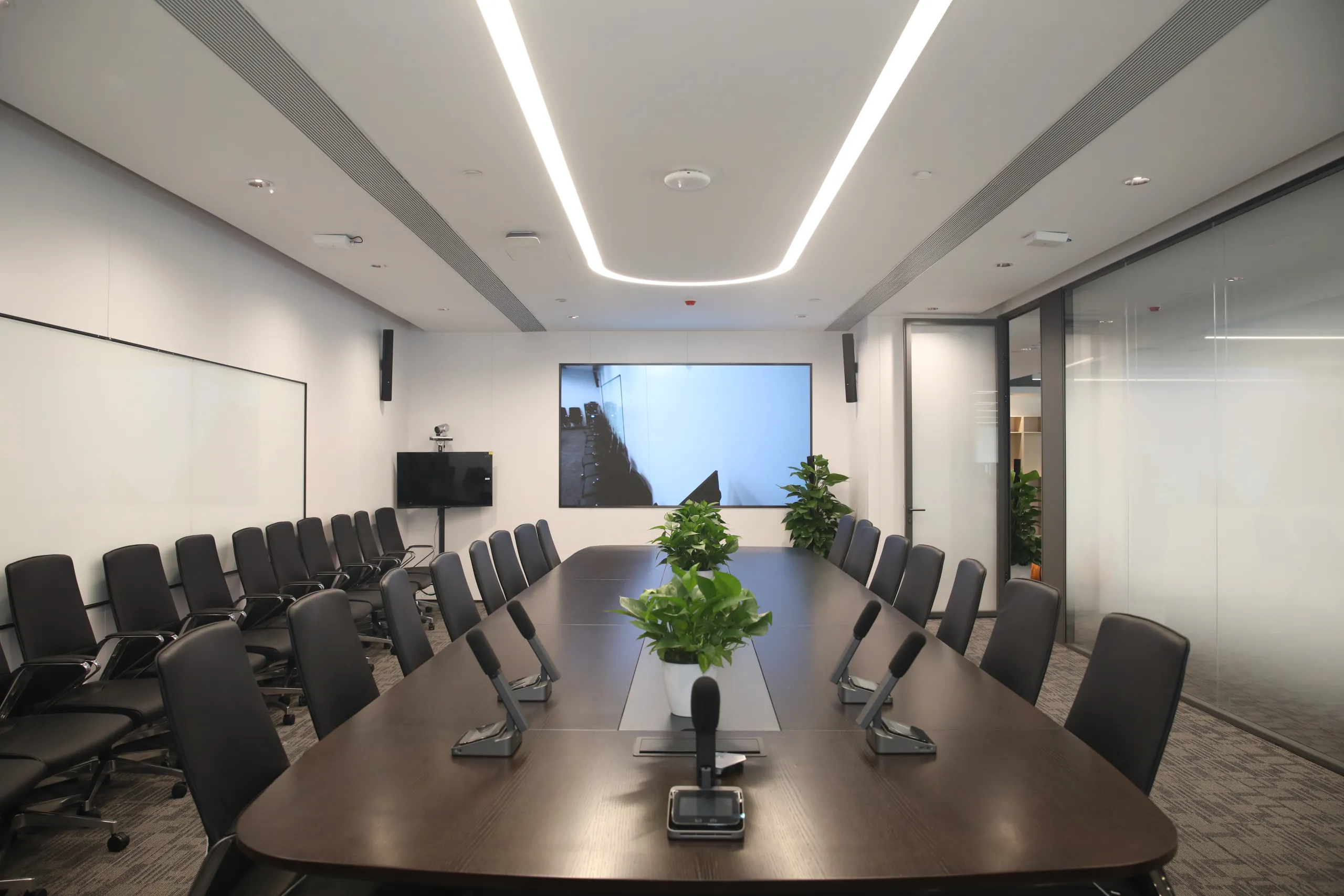
In a council chamber or assembly hall, the conference system is not just a sound reinforcement tool — it is the procedural record of the meeting. Five functions form the core.
1. Attendance and roll call
Members register presence at their own seat, by pressing a present key, presenting an ID card to a reader built into the unit, or entering a PIN. The system then knows, at any moment, who is in the room. This single data point drives almost everything else: whether quorum exists, who is entitled to vote, and which votes count.
2. Request to speak and speaking order
Members queue for the floor by pressing a request key. The chair sees the queue on the operator screen and grants the floor in order — or in a different order, if the rules of procedure allow it. Priority can be assigned to specific seats (for example, a group leader or a minister), and those members can take the floor at any time.
3. Voting
Votes are cast at the delegate unit — yes, no, abstain — and totalled automatically. The result is displayed on the chairman unit, on delegate screens and on hall displays, and stored with the motion number, the motion text, the quorum required and the majority required. This is the function most people mean by "voting system", but on its own it is the least interesting part of the system.
4. Recording and audit
Every attendance event, request, vote and result is time-stamped and logged. When a decision is challenged months later, the log is the evidence. For this reason, the operator software matters as much as the hardware — a system without a usable log is a system without a record.
5. Integration with the rest of the chamber
A chamber rarely runs a voting system in isolation. Typical integrations include simultaneous interpretation, camera tracking that follows the active microphone, audio recording or verbatim logging, hall displays, and the building's central control system. Each integration point needs to be designed in, not bolted on.
Voting modes: what to specify
Different bodies vote differently. A national assembly may require a roll-call vote to be recorded by name; a city council may only ever need a show of hands replaced by a button press; a committee may need to elect officers from a list of candidates. Ask for the modes you actually need, and confirm how each one behaves.
| Voting mode | What it does | Typical use |
| For / Against / Abstain | Simultaneous vote, counted automatically, result displayed on hall screens | Ordinary motions and resolutions |
| Roll-call vote | Each member's vote is recorded individually and can be published by name | Formal or contested decisions |
| Secret ballot | Vote is accepted but not linked to the member's identity | Appointments, disciplinary matters |
| Multiple choice / election | Members choose one of several candidates or options; results ranked | Election of chairpersons and committees |
| Weighted voting | Different seats carry different numbers of votes | Bodies where members represent unequal constituencies |
| Quorum check | Counts present members against a defined threshold before a vote opens | Opening a session or validating a vote |
| Timed vote | Voting window closes automatically after a set period | Large chambers, tight agendas |
Two details are usually overlooked. First, the chairman's own vote — in many systems the chair can vote, and the system must treat that vote correctly whether the chair is a member or a presiding officer. Second, vote correction — a member who pressed the wrong key needs a defined way to change the vote before the result is closed, and the log needs to show that the change happened.

How the hardware fits together
A chamber system is assembled from a small number of building blocks. Understanding them makes vendor proposals much easier to read.
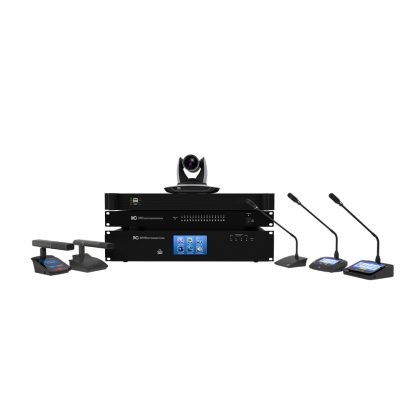
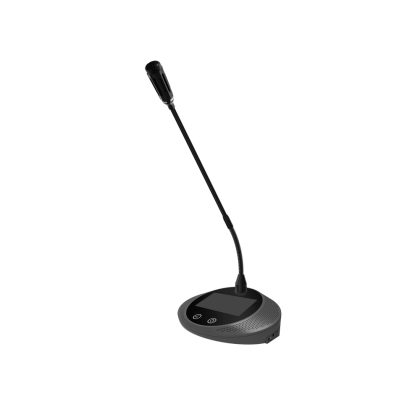
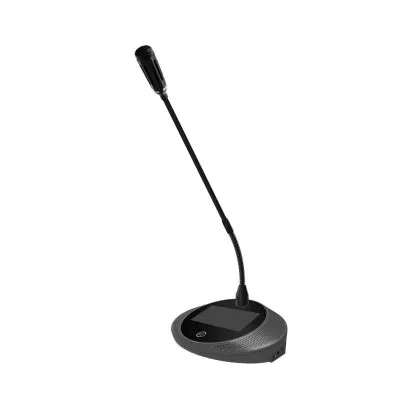
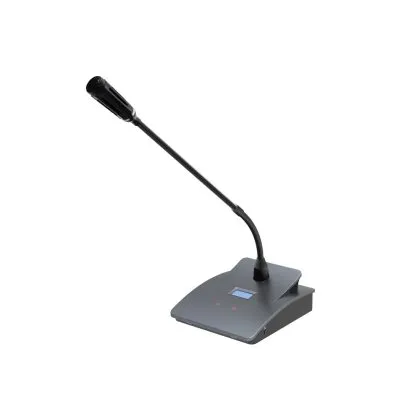
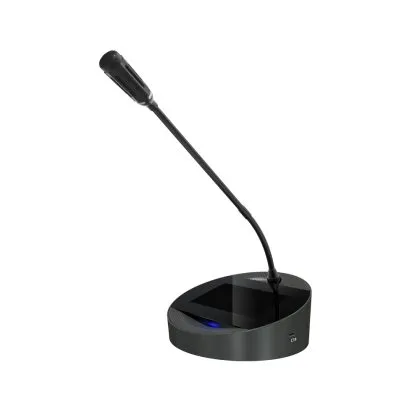
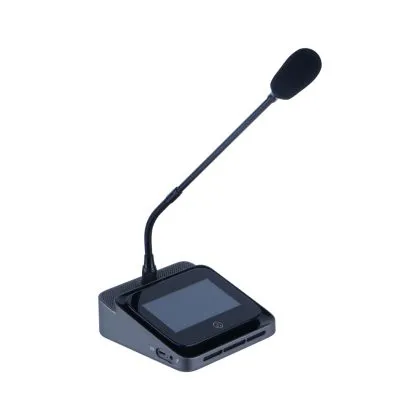
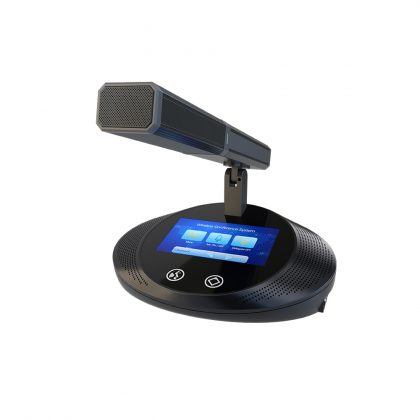
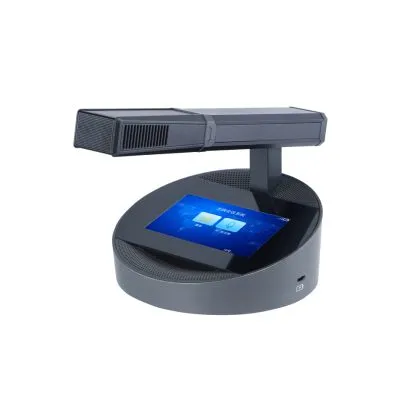
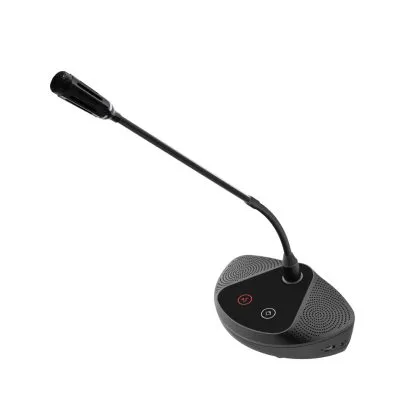
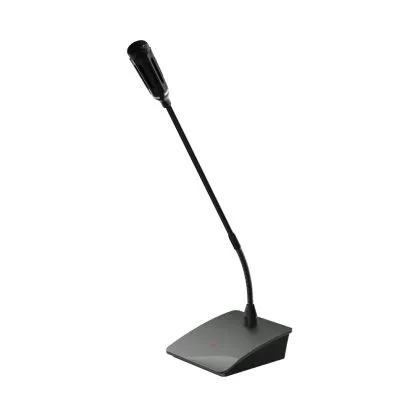
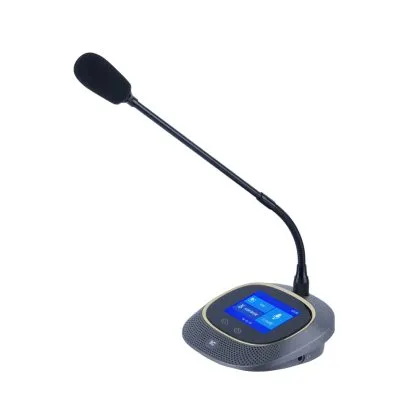
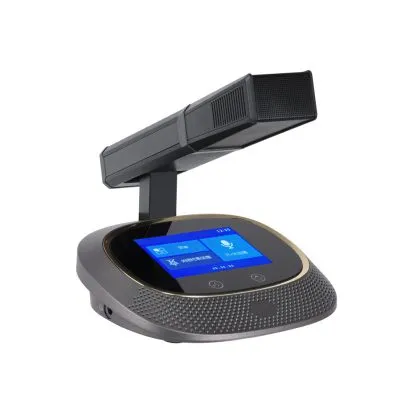
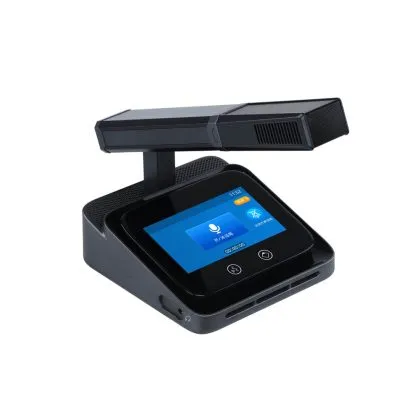
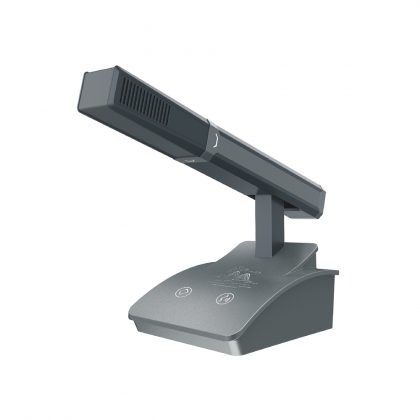
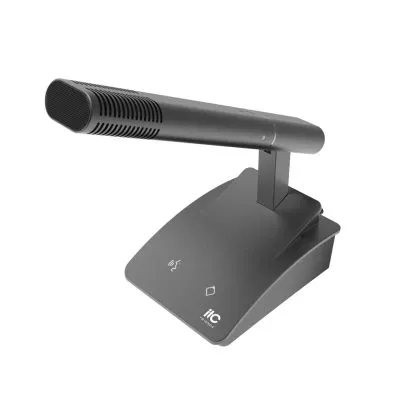
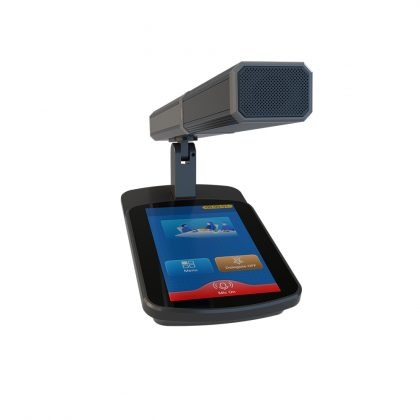
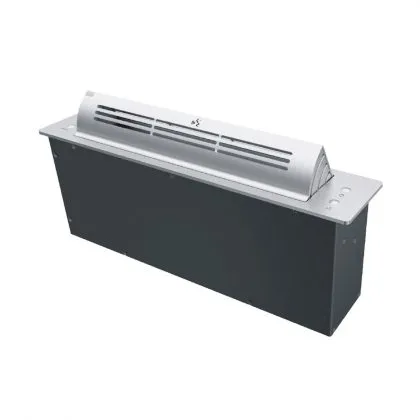
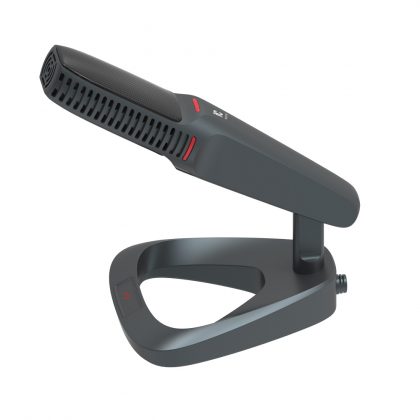
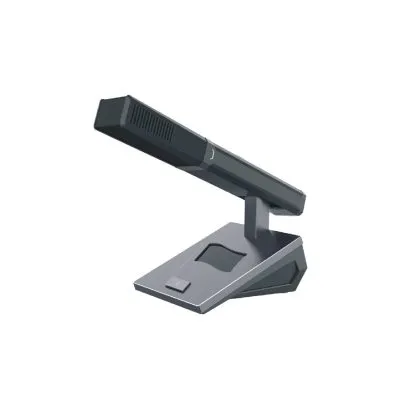
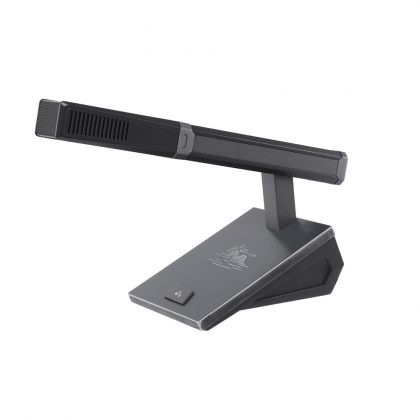
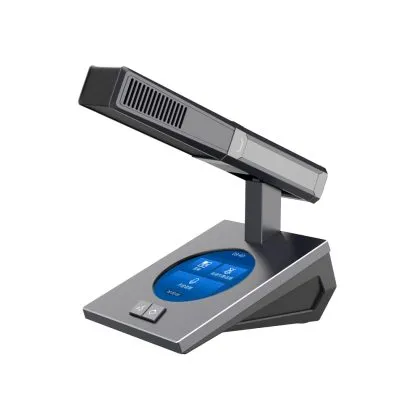
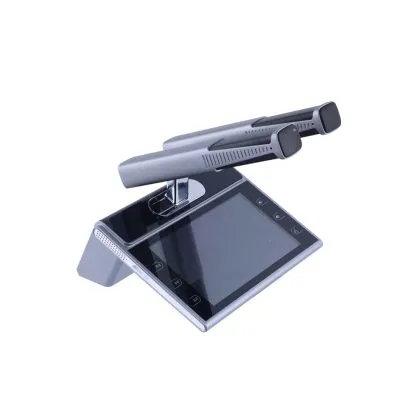
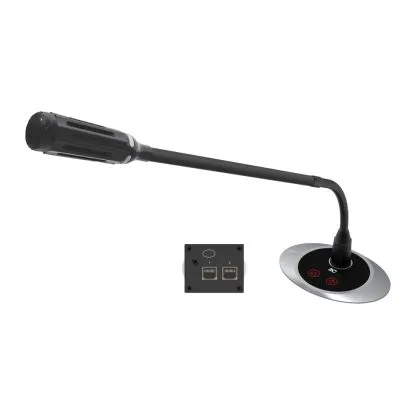
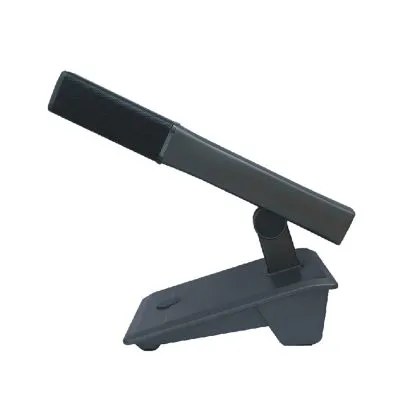
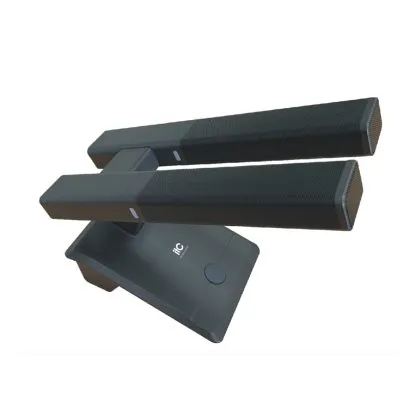
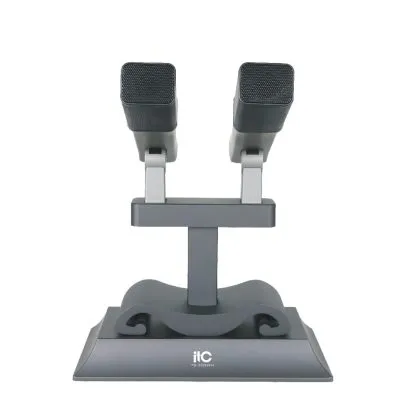
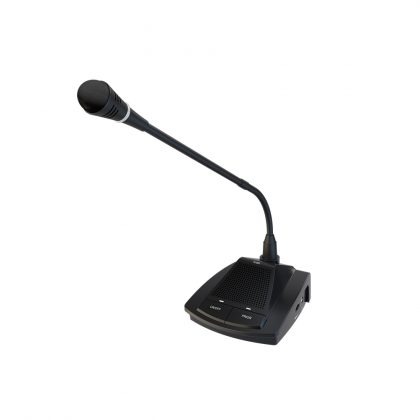
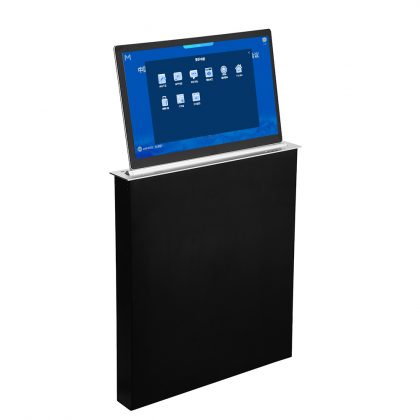
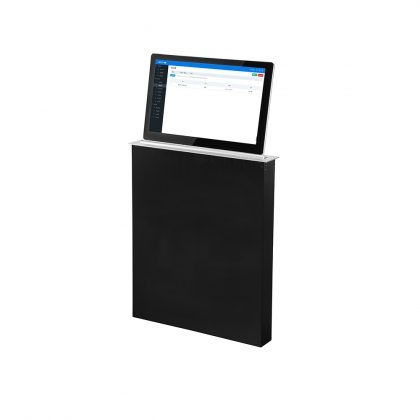
- Delegate units— the seat-level device: microphone, loudspeaker, request key, voting keys, ID reader. Units may be flush-mounted into desks, which is what most new chambers choose, or portable.
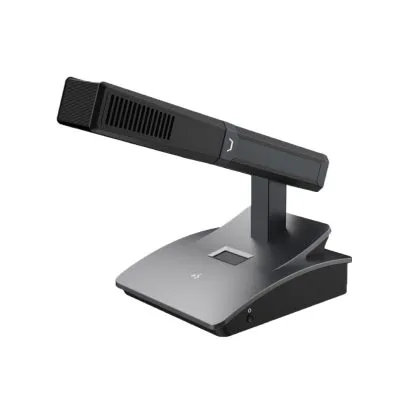
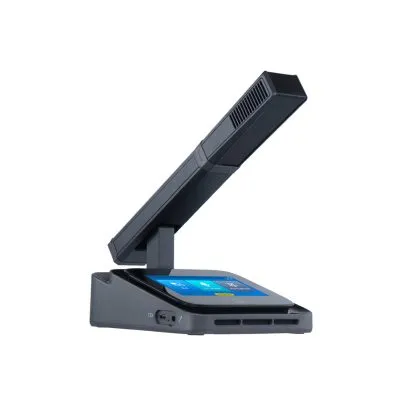
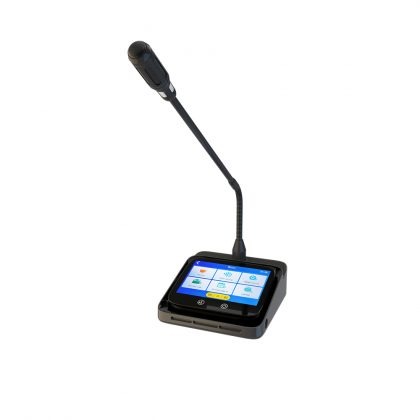
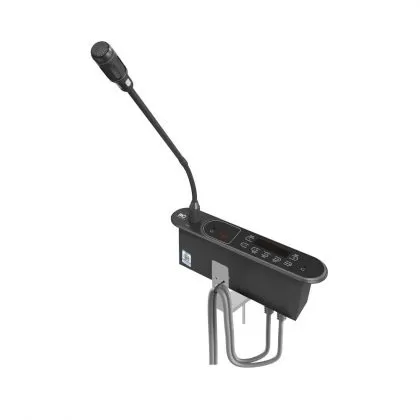
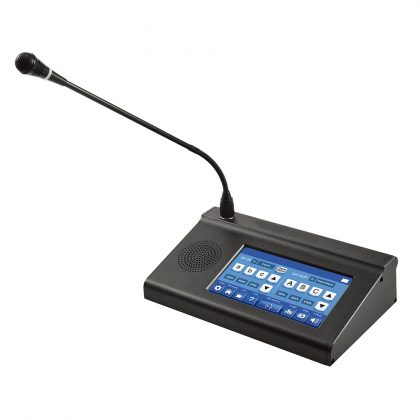
- Chairman unit— the same functions plus control of the floor: start, hold and stop the vote, grant and revoke the floor, view the queue.
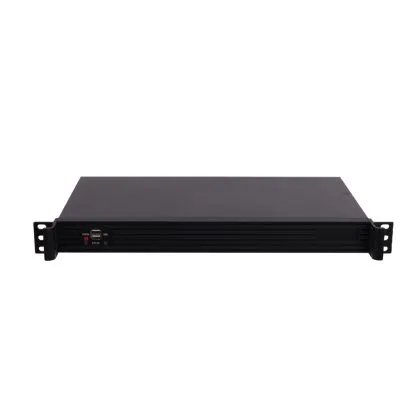
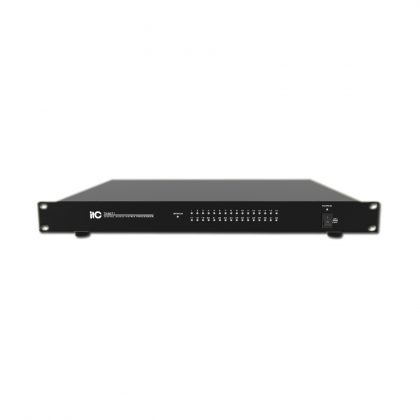
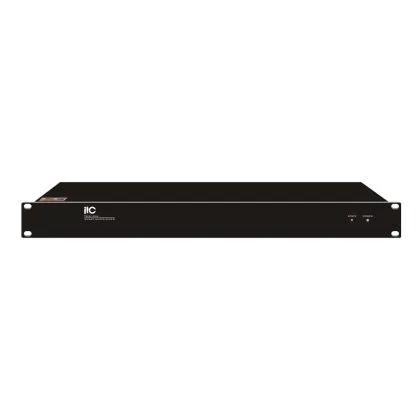
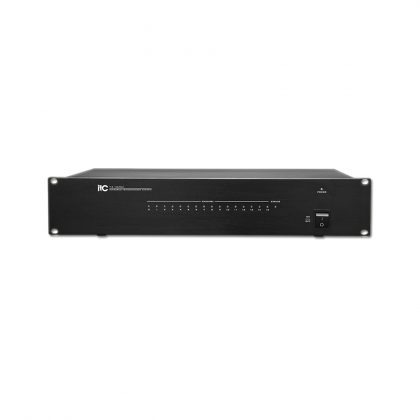
- Central controller or server— manages the discussion, voting and identification logic, and stores the meeting record.
- Operator software— prepares motions, sets quorum and majority per motion, runs the session, produces the report.
- Hall displays— show the motion, the result, remaining speaking time, or the member speaking.
- Power and network infrastructure— including redundancy, which is discussed below.
Two architectures dominate. Older systems run on a dedicated daisy-chain or loop bus; current systems increasingly run on IP, with units on a switched network. IP brings easier integration and remote diagnostics, but it also makes network design, VLAN separation and cybersecurity part of the tender — not an afterthought.
The requirements that separate a chamber system from a meeting-room system
Anyone can sell a microphone that has a voting button. These are the points that decide whether the system survives ten years of sessions.
Redundancy and graceful failure
Ask what happens when a cable is cut, a unit fails or power drops. Good answers include loop or ring wiring so that a single break does not take out downstream seats, redundant controllers, dual power inputs, and a defined behaviour where the system keeps audio running even if the voting server is unavailable. In a chamber, "the system restarted" is a procedural incident, not an inconvenience.
Identification and data protection
Voting records link named individuals to decisions. That means access control on the operator software, role separation between the technician and the secretary, encrypted storage, and a retention policy agreed with the client. In many jurisdictions this is a legal requirement, not a preference.
Scalability
Chambers grow. Committee rooms multiply. Confirm the maximum number of units per controller and per system, and how additional rooms are added — one server per room, or a central server with room licences. Ask for the number in writing rather than "expandable".
Integration readiness
Confirm the interfaces: open protocols or documented APIs for the voting server, contact closures or network commands for camera tracking, audio outputs for interpretation and recording, and an interface for the building management system. A system that can only talk to its own brand's peripherals will constrain the chamber for its whole life.
Audio quality under real conditions
Chambers are acoustically difficult — hard surfaces, long distances, simultaneous interpretation. Specify the microphone type and pickup pattern, the loudspeaker behaviour when the local microphone is active (automatic muting is essential to avoid feedback), and the number of simultaneously open microphones the system supports. A discussion system limited to four open microphones will not run a debate.
How to write the specification
Most poor outcomes in these projects trace back to a vague specification. The table below is a usable starting checklist; each line should become a numbered requirement in the tender document.
| Category | Requirement to state explicitly |
| Capacity | Number of delegate units, chairman units, and rooms to be covered now and in ten years |
| Voting | Required voting modes, whether votes are recorded by name, whether secret ballot is needed |
| Quorum and majority | How quorum is defined, which majorities apply to which classes of motion |
| Identification | Present key, card reader, PIN, or a combination; whether identification is mandatory before voting |
| Discussion | Maximum simultaneously open microphones, priority seats, speaking-time limits |
| Redundancy | Loop wiring, redundant controller, UPS runtime, behaviour on failure |
| Integration | Interpretation, camera tracking, recording, hall displays, building control — with the interface type named |
| Records | Format of the exported report, log retention, access roles |
| Installation | Flush-mount or portable, desk cut-out dimensions, cable routes, works in occupied or heritage buildings |
| Acceptance | Factory test report, on-site test procedure, operator training hours, warranty and spare-parts commitment |
Six mistakes that show up again and again
- Buying it as a microphone project.The voting and record functions are software-heavy. Evaluate the software and the reporting, not just the hardware on the desk.
- No failure plan.If nobody can answer "what happens if this cable is cut", the design is incomplete.
- Ignoring the chairman's workflow.The chair is the busiest user in the room. If granting the floor takes five clicks, the chair will stop using the system and go back to hand signals.
- Underestimating the building.Heritage chambers, stone desks and finished floors make cabling the hardest part of the project. Survey before quoting, not after winning.
- No operator training.The secretary who runs the session — not the IT team — needs to be trained on motions, quorum and reporting.
- No acceptance criteria."It works" is not a test. Define a script: open the session, register attendance, test quorum, run a vote in each required mode, export the report, cut a cable and verify behaviour.
How itc's conference platform maps to these requirements
Because we manufacture the units and the controllers ourselves, most of the items above are configuration decisions rather than product limitations. A short map of the current range:
Voting at the seat
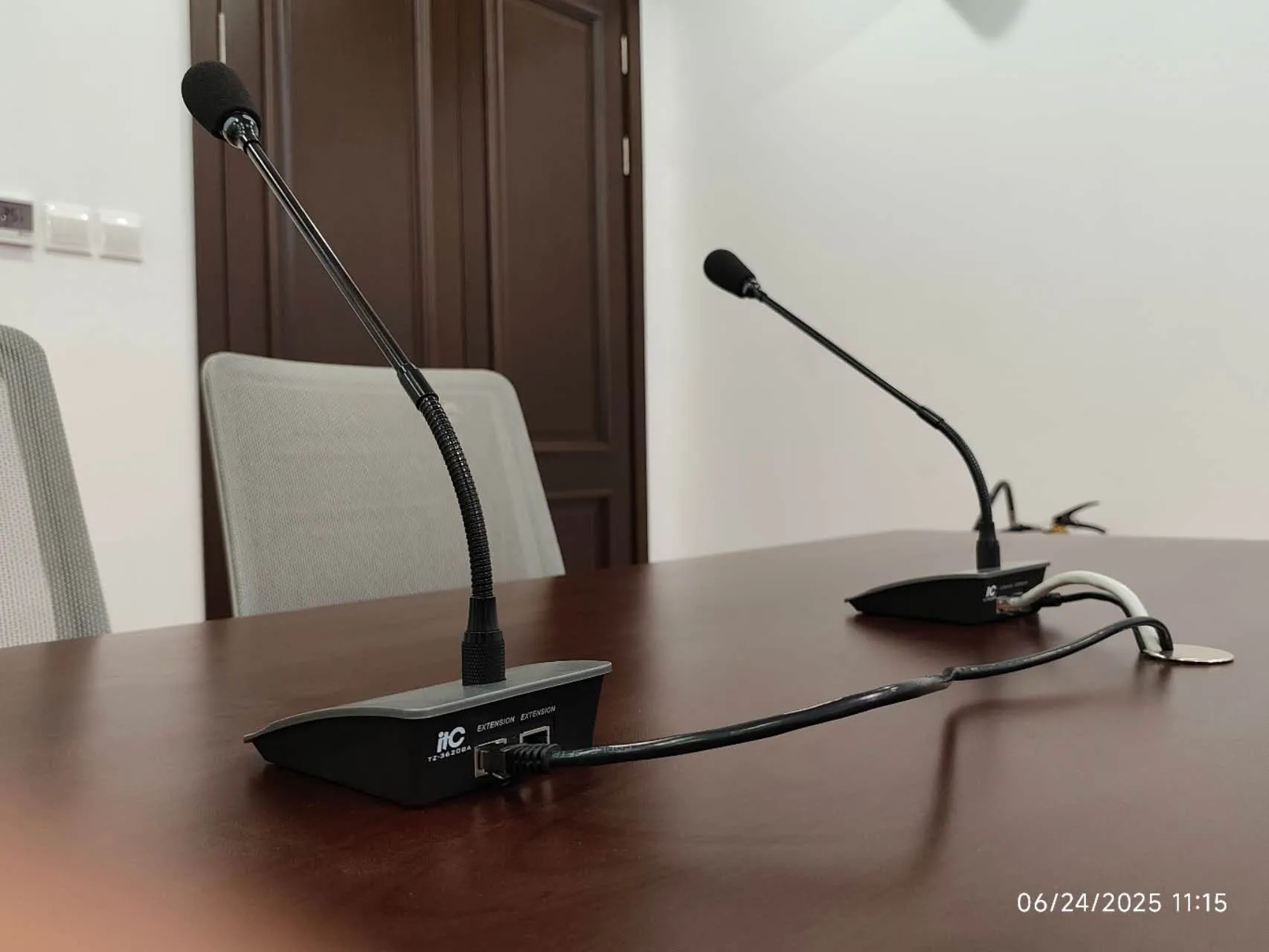
The TS-0318 / TS-0318A delegate unit and the TS-0310 / TS-0310A delegate unit support multiple voting modes, and the option text for each vote can be customised and pushed to the unit's display — useful when a chamber votes on named motions, amendments or candidate lists rather than a simple yes/no.
Wireless where desks cannot be cut
For heritage chambers and rooms with finished furniture, the TS-W301S / TS-W301SA wireless unit provides five-key and three-key voting with custom voting setup, so the voting function is available without opening the desks.
Chairman control and the floor
The TS-0302 / TS-0302A chairman unit (wired) and the TS-W302 / TS-W302A (wireless) control the floor: delegates request to speak and are heard on the chairman's approval, which is the workflow most rules of procedure assume.
Sign-in, voting and records in one controller
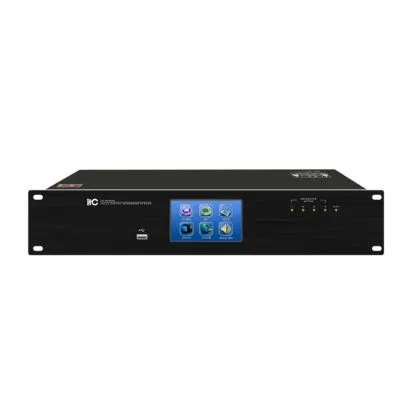
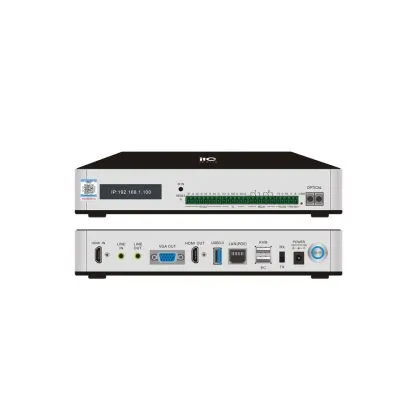
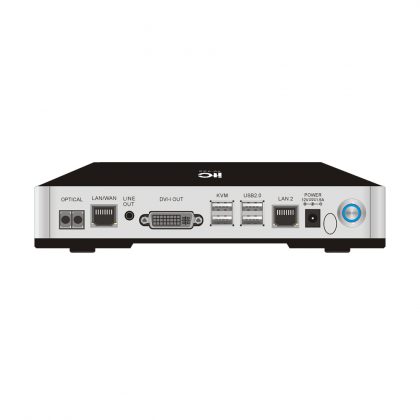
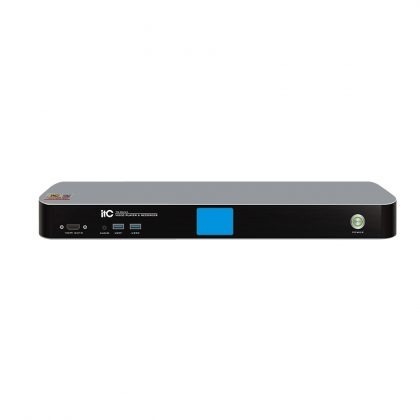
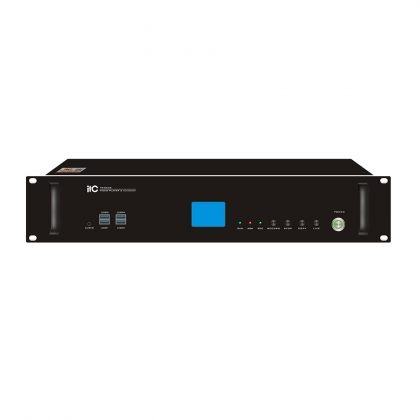
The TS-0300M controller covers meeting sign-in, voting and evaluation; the TS-8300 controller extends this to meeting notices, video playback and record review — which is what a secretary needs after the session closes.
Interpretation in the same seat
The TS-0310 series carries 63+1 interpretation channels, so a multilingual chamber does not need a separate headset system running alongside the voting system — the two share the same unit and the same cabling.
One caution, in your own interest: a few requirements in this guide — quorum counting, vote-by-name reporting, secret ballot, weighted voting and hardware redundancy — depend on the software configuration and the specific model, not on the unit alone. Send us your rules of procedure during the specification stage and we will confirm what the platform supports instead of assuming it.
What the delivery process should look like
A chamber project moves through five stages, and a supplier should be able to describe each one before the contract is signed: requirements and room survey; system design with desk layouts and cable routing; factory configuration and pre-test of the actual units and software; on-site installation and commissioning, ideally outside session periods; and handover with operator training, documentation and a support arrangement.
For government buildings, the process usually runs alongside the paperless meeting platform rather than separately — the two systems share the same seats, the same network and often the same operator. Our paperless conference solution for government meetings describes how the document side is layered onto the same infrastructure, and the court solution shows the same pattern in a judicial setting.
Frequently asked questions
Can a standard conference discussion system be upgraded to support voting?
Sometimes, but only if the original units were specified with voting keys and the controller supports voting logic. Retrofitting voting into units that were bought as discussion-only is usually not possible, and replacing the units is generally the cleaner path. This is exactly why the specification stage matters: adding voting later means reopening desks, recabling and re-commissioning the chamber — far more disruptive than including it at the start.
How many delegate units can one system support?
It depends on the controller and the architecture — systems range from a few dozen seats to several thousand units across multiple rooms. Ask for the figure for the specific model being offered, and for the number of simultaneously open microphones, which is a separate limit and often the one that actually constrains a debate.
Do we need IP-based units or is a dedicated bus better?
IP is easier to integrate and to diagnose remotely; a dedicated bus is simpler to secure because it is physically separate from the corporate network. Many chambers now choose IP with a dedicated VLAN and strict access rules. Either can work — what matters is that the network design is documented and tested.
How long does installation take?
Installation time is driven by the building, not the electronics. Flush-mounted units in a new chamber can be installed in days; retrofitting a heritage chamber with stone desks can take weeks of night work. Ask for a survey-based schedule rather than a generic figure.
Is the voting record legally admissible?
That is a question for the client's legal advisers, not for the supplier. What the supplier must provide is a complete, time-stamped, tamper-evident log and the ability to export it in a readable format. Confirm the export format during acceptance testing, not after the first disputed vote.
Next step
If you are specifying a chamber, a council hall or a committee room, the most useful thing we can do is review your room layout and rules of procedure and turn them into a system configuration — seats, units, voting modes, integration points and a test plan. We have supplied conference and voting systems to government chambers, courts, banks and convention centres in more than 90 countries, and we build the hardware ourselves, so the configuration is not limited to a catalogue.
Send us your seating plan and the voting rules you need to support, and we will come back with a system design. Contact our project team — or start with the conference discussion system range and the guide to what a digital conference system is if you are still at the comparison stage.
Relevant News
-

Remote Video Conference System Solution for Multinational Corporations
Feb 15,2023Full range of video conferencing solutions for your business needs! As economic globalization deepens, multinational corporations are rapidly spreading around the world in search of reasonable production and market layouts. Therefore, it is necessary to establish a fast and efficient mechanism for information transmission between the headquarters of multinational corporations and their branches and subsidiaries around the world to solve the problem of information exchange and collaborative work among employees. Remote video conferencing systems can address this issue by enabling…
-

itc inside Immersive Sound System
Dec 08,2022itc inside Immersive Sound system is an audiovisual system developed and designed by itc. It adopts 3D immersive sound field simulation sound holographic processing and spatial sound and image positioning technology to create an audiovisual system. It makes use of sound, vision and other elements and combines people's subjective cognitive experience to make users feel the subjective feeling of being in the virtual space and realize what they see is what they hear. “inside” means to be immersed in it. inside…
-

itc efforts in Judo competition venue for the National Games
Feb 18,2022In recent years, with the support of national policies, gymnasium equipped with smart equipment has emerged. In responding to the current needs, itc accelerates its endeavors to establish a data-driven platform that aids in the extraction of significant information for wise decision-making, streamlining operations and optimizing workflow efficiencies in the gymnasium. itc constantly beefs up capabilities for constant improvement in the gymnasium by overcoming the problems encountered in sports facilities and management upgrades, striking a better balance among the system, venue and the operating personnel.…